Showing posts with label iphone 3g. Show all posts

fix IPhone 3G and iphone 3Gs sound problems.
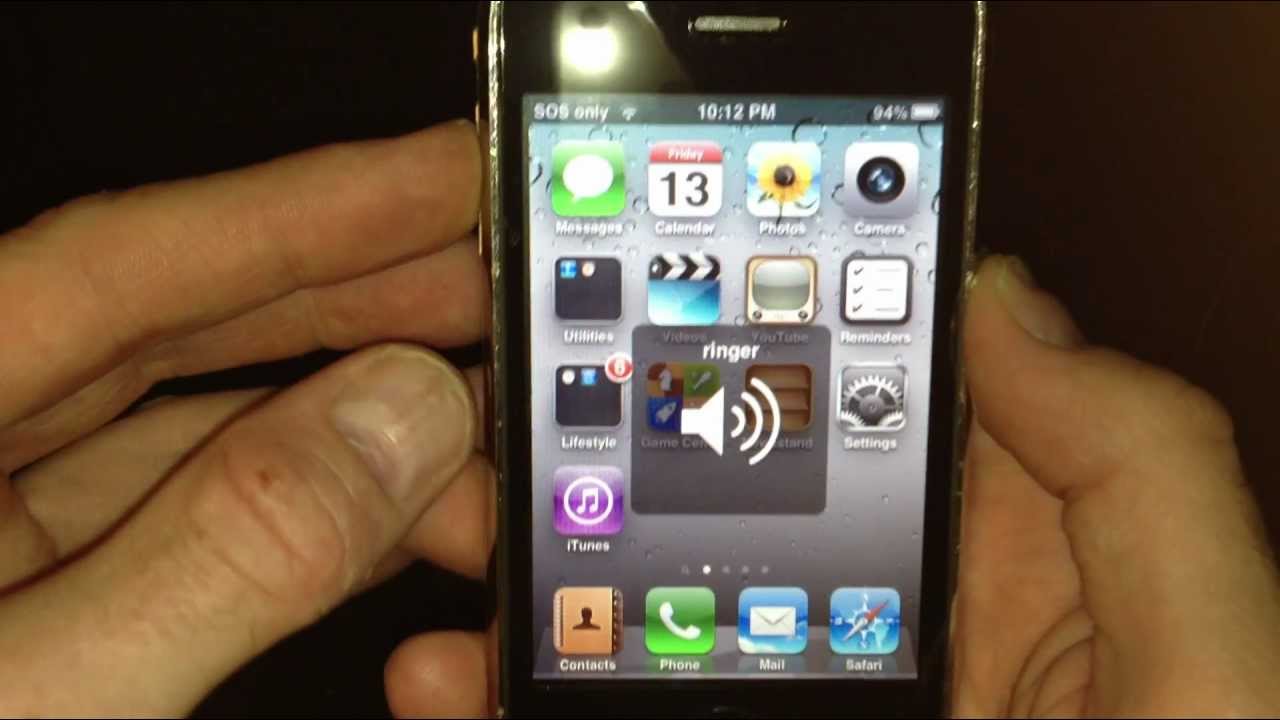
this is a software issue, so many peaple have the same issue and hardly any ones got the solution. here is what to do, for this to work you need to be jailbroken, go to cydia and download a program called IFILE. when you have downloaded this program open it and go to >SYSTEM >LIBRARY >LAUNCHDAEMONS, scroll down the list and find a file called, com.apple.iapd.plist, when you have found this file MAKE SURE it is the exact file. swipe across it and when you see delete press it to delete it. double press the home button and close ALL. apps in multi tasking. now reboot your devise. YOUR PROBLEM WILL BE OVER. I have solved my issue on my iphone 4 running 5.1.1 firmware

how to fix black screen (iphone 3g ,iphone 3gs,iphone 4,iphone 4s,iphone 5,iphone 5s ,iphone 6,iphone 6S)


How to fix your blank iPhone screen

Don’t panic! The blank screen on your iPhone 3G, 3GS, 4 iPhone 5s and 6 can be fixed, easily!
Fortunately, I worked out that you can fix this problem by resetting your phone. Here’s how:
Press and hold down the Sleep/Wake button and the Home button simultaneously for at least 10 seconds. The screen will clear out and then the Apple Logo will appear on the black background. When the logo appears it means that the reset is done.
Afterwards you’ll see your screen light up and you’ll be able to breath a sigh of relief!