Showing posts with label Problem. Show all posts

fix IPhone 3G and iphone 3Gs sound problems.
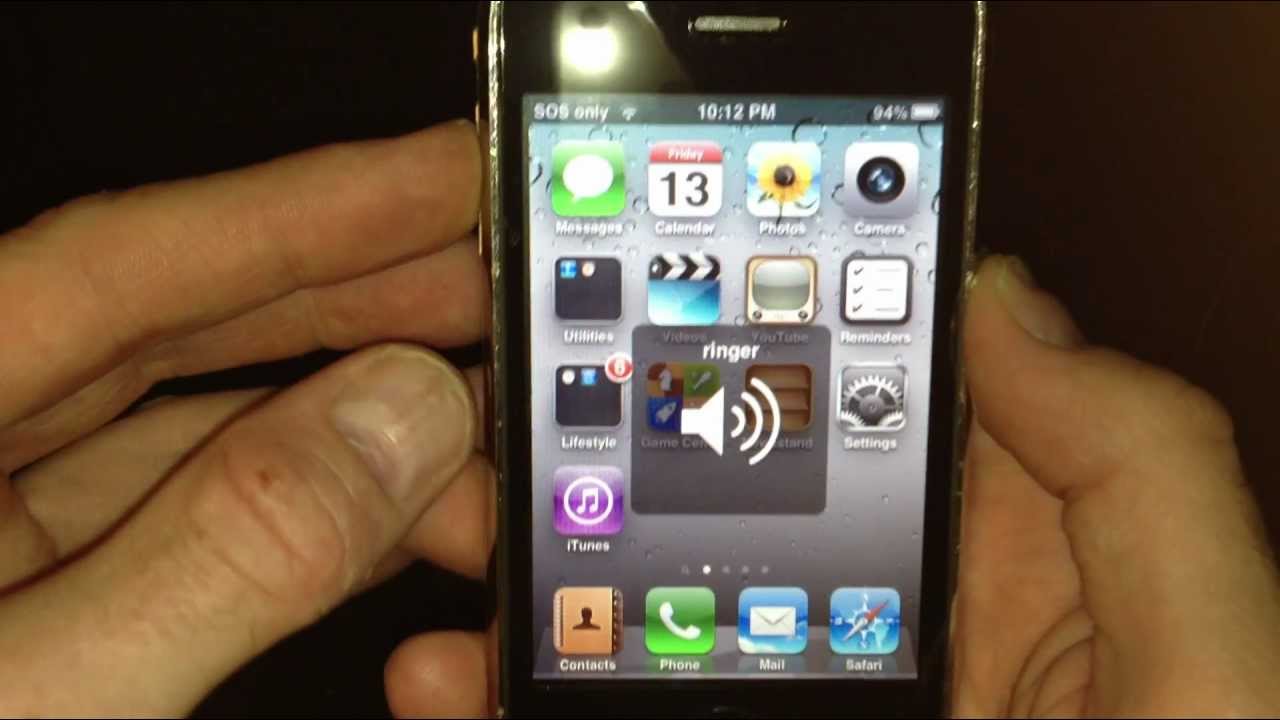
this is a software issue, so many peaple have the same issue and hardly any ones got the solution. here is what to do, for this to work you need to be jailbroken, go to cydia and download a program called IFILE. when you have downloaded this program open it and go to >SYSTEM >LIBRARY >LAUNCHDAEMONS, scroll down the list and find a file called, com.apple.iapd.plist, when you have found this file MAKE SURE it is the exact file. swipe across it and when you see delete press it to delete it. double press the home button and close ALL. apps in multi tasking. now reboot your devise. YOUR PROBLEM WILL BE OVER. I have solved my issue on my iphone 4 running 5.1.1 firmware

problem :No SIM card error iphone 6 6s 6 plus 6s plus


No SIM card error

A few people have run into a glitch where the iPhone 6 keeps complaining about the SIM card. It might say “Invalid SIM” or “No SIM card installed”. There are a few things worth trying.
Potential solutions:
  • Try toggling Airplane mode on and off again.
  • Restart your iPhone by turning it off and on again.
  • If you recently inserted the SIM card and started getting the error then there’s a chance it’s damaged or dirty. Try popping it out and taking a look. You can use a pencil eraser to clean the gold contacts and then blow away the debris before putting it back in your iPhone.
  • Make sure that your software is fully up to date via Settings > General > About.
  • Try the SIM card in another device if you have a compatible device, or try a different SIM card in your iPhone 6.
  • If the problem persists then contact your carrier or Apple.

Problem: Home button not working (iphone 6 iphone 6 plus)


Problem: Home button not working

If pressing the home button on your iPhone doesn’t always get a response, then the device may have a problem, even if the issue is intermittent.
Solution:
  • Apple is apparently aware of a manufacturing issue with the Home button on some iPhone models. Make an appointment with the Genius Bar at your local Apple Store to discuss the issue.

fix iOS 5 Battery Drain Problem

Got some battery drain after upgrading to iOS 5? Want some help to improve your battery life on iOS 5? If so, this post will surely help you. We’ve received some tips and tricks to fix any battery drain you’re facing after iOS 5 upgrade.

iOS 5 Battery Drain Problem Fix

iOS 5 Battery Drain Fix

  • Reset Network Settings: Tap on “Settings” > Reset > Reset Network Settings
  • Disable Bluetooth: Settings > General > Bluetooth > “OFF”
  • Disable unwated Notifications & apps: Settings > Notifications > Turn OFF for anything you don’t need
  • Disable Location Service: Settings > Location Services > Disable selectively for services you don’t use
  • Disable Timezone Adjustment: Tap on “Settings” > “Location Services” > ‘System Services’ > Setting Time Zone to OFF
  • Disable Ping: Settings > General > Restrictions > Enable Restrictions > Ping > OFF
  • Disable Diagnostic & Usage Reports: Tap on “Settings” > General > About > Diagnostic & Usage > Don’t Send

One more tip:

Disable Email accounts by heading to Settings > Mail, Contacts, Calendars > Account Name > Delete Account. Once done, reset network settings (the first tip up there) then reboot your device and re-add your accounts back from Settings > Mail, Contacts, Calendars > Add Account.